
A used drone can be a sensible way to start, especially if you are not sure how much you will fly. It can also be a box of hidden problems: worn batteries, a bent motor shaft or an account lock you cannot remove. This guide lists what to check before you pay and explains how FAA registration works when a drone changes hands.
Key takeaways
- Batteries are the most common hidden problem in a used drone.
- Ask to see a test flight or at least a power-up, camera check and motor spin.
- FAA registration does not simply transfer with the aircraft: the new owner registers under their own account.
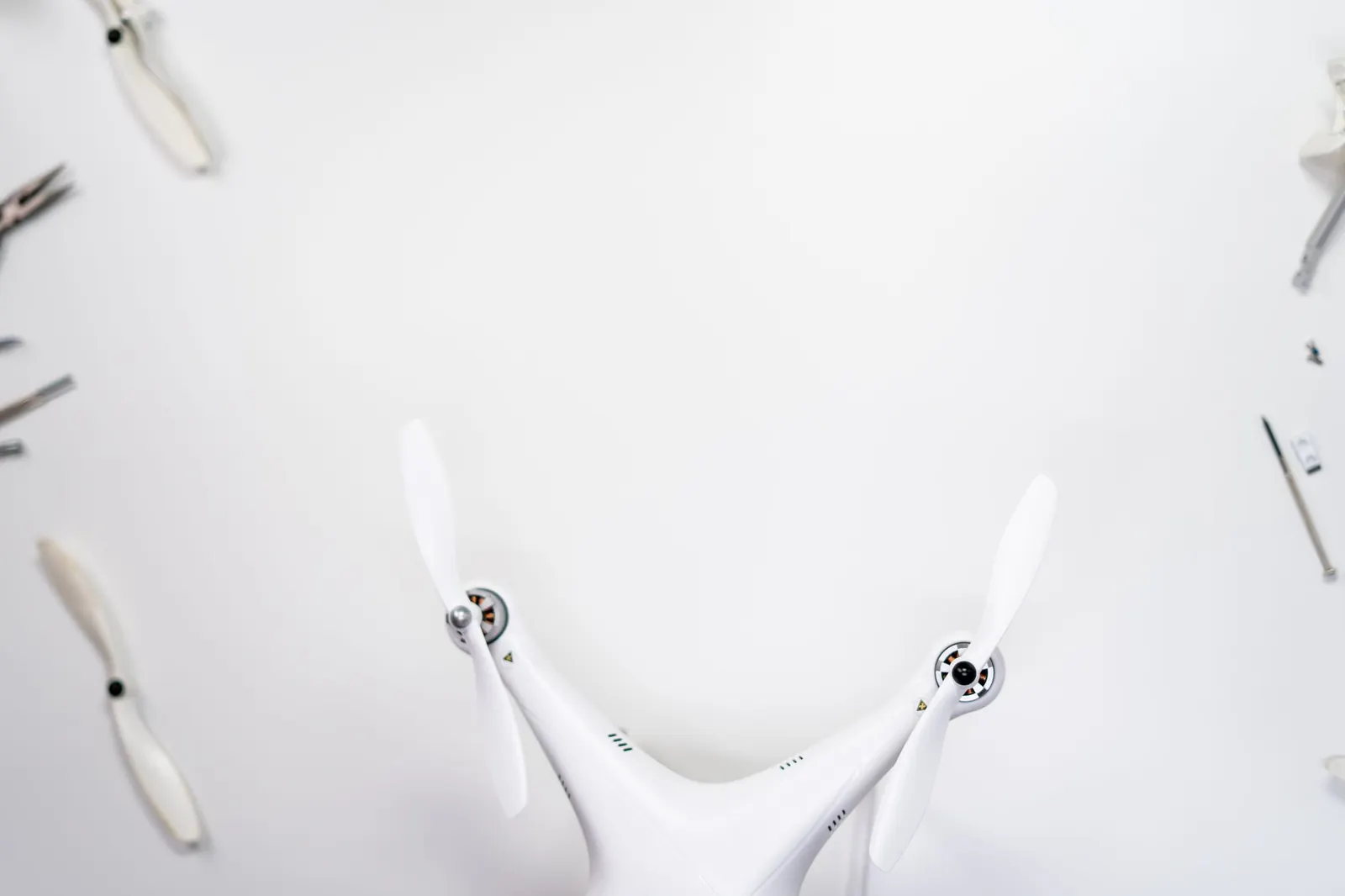
Why buy used
Used drones can make sense for a first drone, for a backup aircraft or for someone who wants to try a style of flying before committing. The savings can be meaningful. The trade-off is uncertainty: you often do not know how the drone was flown, stored or repaired.
Check the batteries first
Lithium drone batteries wear out with use and age, and they can be damaged by poor storage. Ask how many batteries come with the drone and look at each one. Walk away from any battery that is swollen, cracked, dented or has a puffy case. If the drone’s app shows battery cycle count or health, ask the seller to show it. Plan to buy at least one new battery; the cost is part of the real price.
Inspect the airframe and motors
Look closely at the arms, hinges and body for cracks, glue and mismatched parts, which may point to a repaired crash. Spin each motor gently by hand: it should turn smoothly, without grinding or wobble. Check the propellers for chips and cracks. On a camera drone, check that the gimbal moves freely and the camera lens is not scratched.
Ask for a power-up and test flight
A short demonstration tells you a great deal. Ask the seller to power the drone and controller, connect to the app and show a live camera image. If the location is suitable and legal, a short hover shows whether the drone holds position and whether the gimbal is steady. Listen for unusual motor noise and watch for drifting.
Questions to ask the seller
- Why are you selling?
- Has the drone crashed or been repaired, and by whom?
- How many battery cycles do the batteries have?
- Is the drone linked to your account, and will you unlink it?
- Are the original controller, charger and manuals included?
- Is any warranty or care plan still active, and can it transfer?
Account links and activation
Many modern drones are activated through an app and linked to the owner’s account. Before paying, confirm that the seller will unlink the drone and that you can activate it under your own account. A drone you cannot activate may be unusable.
Registration when a drone changes hands
The FAA registration belongs to the owner, not permanently to the aircraft. As the new owner, you register the drone in FAA DroneZone under your own account if registration is required, mark it with your registration number and carry your registration certificate when you fly. The seller should remove the drone from their inventory. If the drone has Standard Remote ID, you will need its Remote ID serial number during registration.
Used vs new at a glance
| Used | New | |
|---|---|---|
| Price | Usually lower | Higher |
| Battery health | Unknown, often worn | Full |
| Warranty | Often expired | Included |
| Accessories | Varies | Complete |
| Risk | Hidden damage possible | Low |
Which one fits
A used drone fits buyers who can inspect carefully, accept some risk and budget for a new battery. A new drone fits buyers who want a warranty, full battery life and no surprises. For a child’s first drone, a new inexpensive mini drone is often a better choice than a used camera drone.
Tip: Bring a small checklist to the meeting and go through it in order. It is easy to be distracted by a nice demo flight and forget to look at the batteries.
Firmware and repairs
Ask the seller whether the drone is on current firmware and whether it has been repaired by an authorized service center. Unofficial repairs are not always a problem, but they can affect sensors, calibration and warranty. After buying, update the firmware through the official app before your first flight and run any calibrations the manual recommends.
Common mistakes
- Paying before seeing the drone power up.
- Ignoring swollen or damaged batteries.
- Buying a drone still linked to the seller’s account.
- Assuming the seller’s FAA registration covers you.
Frequently asked questions
Can I use the seller’s FAA registration number?
No. Register the drone under your own FAA account if registration is required.
How can I tell if a battery is worn?
Check for swelling or damage and look at cycle count or health in the app if available. Short flight times are another sign.
Is a used FPV drone a good idea?
It can be, but FPV drones are often crashed hard. Inspect frames, motors and wiring carefully.
For the full buying picture, see How to Choose Your First Drone: Start With the Job, Not the Spec Sheet and Drone Batteries and Chargers: What to Buy and How to Look After Them.